Players
IPTV players for Google TV
IPTV player notes specific to Google TV.
Published 2026-09-27 · Updated 2026-10-03 · By XTREAM3U Research
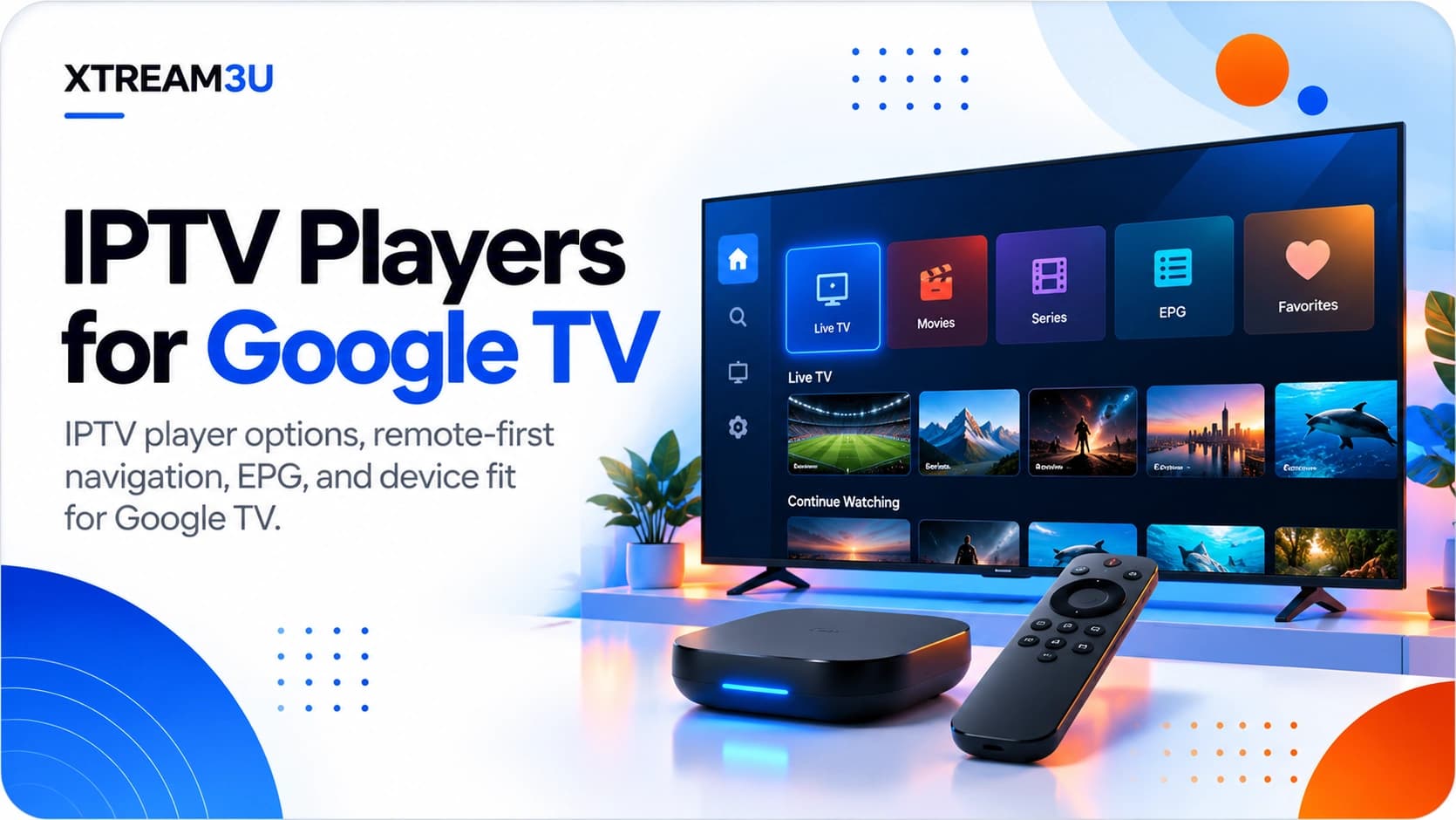
Same apps, different manners
Google TV runs Android TV apps inside a content-forward launcher with per-profile behavior. Nearly all Android TV player guidance applies. The same candidates, the same validation workflow, plus a Google TV layer: profiles that can isolate playlists per person, a recommendations-driven home screen, and tighter account integration. Choose the player by the Android TV criteria, then configure it for a multi-profile household.
What actually differs from Android TV
- Profiles isolate setups. Separate Google TV profiles can carry separate app data, meaning per-person playlists and favorites without stepping on each other. Verify your chosen player keeps its data per-profile on your build; most do, but confirm rather than discover.
- The launcher wants content, not apps. Players that surface continue-watching and recommendations rows integrate better with the Google TV home screen. Don't choose a player for this alone. But treat it as a tiebreaker between otherwise equal finalists.
- Account-assisted setup. Google account integration can ease installs and companion-app pairing versus anonymous sticks. It doesn't change playlist mechanics: URLs still need validating first.
- Same hardware caveats. Storage tiers, SoC codec gaps, and remote variance from the Android TV notes apply unchanged. Google TV branding doesn't upgrade the silicon.
Candidates, briefly
- TiviMate / OTT Navigator: the TV-guide pairing carries over directly; decide between them on customization appetite via the head-to-head.
- IPTV Smarters-style apps: fit Google TV's content-forward presentation well when VOD/series matter (see the Smarters comparison).
Scope note (analysis): launcher behaviors shift with Google TV updates. Confirm profile-data separation and rows support in your current build.
Profiles deep-dive: separation that actually holds
Per-profile isolation is Google TV's headline advantage for IPTV households. Making it real takes deliberate structure:
- One profile per viewer (or per taste cluster). Kids, sports, and news-doc households sharing one bouquet means everyone scrolls past everything. Profiles convert one unmanageable list into three small ones.
- Duplicate shared sources, don't share logins across profiles unnecessarily. Connection-limited lines count devices, not profiles. Two profiles streaming simultaneously consume two slots. Know your line's limit before parallelizing the household.
- Set kids' profiles first, with hidden groups and locks, before handing over the remote. Retrofitting parental controls after discovery is a negotiation; doing it upfront is furniture.
- Verify the app scopes data per-profile on your build by adding a test favorite in one profile and confirming it doesn't leak into another. Most builds behave; the check takes thirty seconds and prevents the exact confusion profiles exist to avoid.
- Mind multiplied storage: each profile's EPG database and artwork cache lands on the same small disk. Cap guide days per profile more aggressively than you would for a single-user setup.
Recommendations rows: making the launcher work for IPTV
Google TV's home screen wants to show content rows, not app icons, and most third-party IPTV players feed it shallowly or not at all. Set expectations accordingly and work the seams:
- Check what your finalist actually publishes to the launcher (continue-watching, recommendations, or nothing). Test on your build. Launcher integration varies by app version as much as by app.
- Pin the player app itself to the front of the apps row so launch-to-live-TV stays two clicks regardless of what the recommendation rows show.
- Don't duplicate curation: favorites inside the player remain the system of record; launcher rows are a convenience view. Maintaining both as equals doubles upkeep for no gain.
- Re-check after major launcher updates, which periodically reset rows permissions and pinned order. Post-update “where did my stuff go” is almost always rows settings, not data loss.
Household setup pattern
- Validate the playlist and EPG off-TV (IPTV test, EPG test).
- Install and configure the player in the primary profile first: import list alone, confirm channels, attach EPG, build core favorites.
- Replicate per-profile: add each person's lists and favorites under their profile rather than merging everyone into one bouquet.
- Cap EPG days per profile. Multiplied profiles multiply guide storage on the same small disk.
- Record all source URLs outside the TV plus one fallback list from the directory.
- Document each profile's purpose in its name (“Kids”, “Sports”, “News”) rather than default “Profile 1/2/3” labels. Named profiles survive handovers to babysitters, guests, and future-you; numbered ones require oral tradition to operate.
- Audit profiles after every major update the same way you audit rows: permissions, locks, and per-profile app data occasionally reset, and a careful two-minute check per profile beats discovering a reset through an annoyed household complaint at the worst possible moment.
Limitations to accept
- Profile behavior varies by app build. Most players scope data per-profile, but shared-device edge cases exist. Test with two profiles before promising the household separation.
- Recommendations integration is shallow. Few third-party players feed the launcher deeply; don't anchor the decision on it.
- Same source discipline as everywhere: expired tokens and empty categories fail identically across launchers. Arbitrate with the test tools.
- Version drift moves menus on Google TV as on Android TV; confirm paths in the installed build.
The setup in one paragraph
Pick by Android TV criteria, deploy by profile.
The player decision is the same as Android TV's; the Google TV advantage is household organization. Configure once per profile, cap guide storage, and keep fallback sources recorded.
FAQ
Do profiles double my connection usage? Only when streaming simultaneously. Idle profiles consume nothing. But two family members watching at once on two profiles needs two line slots; check your limit before promising the setup.
Should kids get a separate playlist or a filtered view? Filtered view of the same household sources is simpler to maintain than a separate kids' subscription. Hide groups and lock settings in the kids' profile, and audit after app updates since locks occasionally reset.
Google TV or plain Android TV for IPTV? The player decision is identical; Google TV wins on household organization (profiles, content-forward home). If you live alone with one screen, the difference is cosmetic.
Can I migrate profiles to a new device? Not cleanly. Profiles are device-local, so a new Google TV means rebuilding per-profile setups. Your recorded working config (URLs, favorites map, key settings) makes this an hour instead of a weekend; there is no reliable transfer shortcut.
Why did my pinned apps and rows rearrange themselves? Launcher updates reset pins and rows permissions periodically. Re-pin, re-grant, and move on. Check rows settings before assuming data loss, since the underlying app data is invariably intact.
Do kids-mode restrictions satisfy as parental control? They satisfy casual separation, not determined teenagers. Combine profile separation with hidden groups and PIN locks, and treat the setup as household organization with guardrails rather than a security boundary.
Can I hide the recommendations rows entirely? Partially, depending on build. Rows can usually be minimized or reordered but rarely removed outright. Since launcher rows are a convenience view over your in-player favorites (the system of record), demote them cosmetically and invest curation effort where it counts: inside the player.
Sources and further reading
- Each candidate's current Play Store listing and in-app docs for device coverage, profile behavior, editions, and current pricing.
- Android TV: the shared platform foundation this page builds on.
- Best IPTV players: full criteria and testing protocol.
Evidence labels: launcher and profile guidance is Analysis from documented platform behavior. Verify specifics in your build. No pricing stated; none verifiable here.