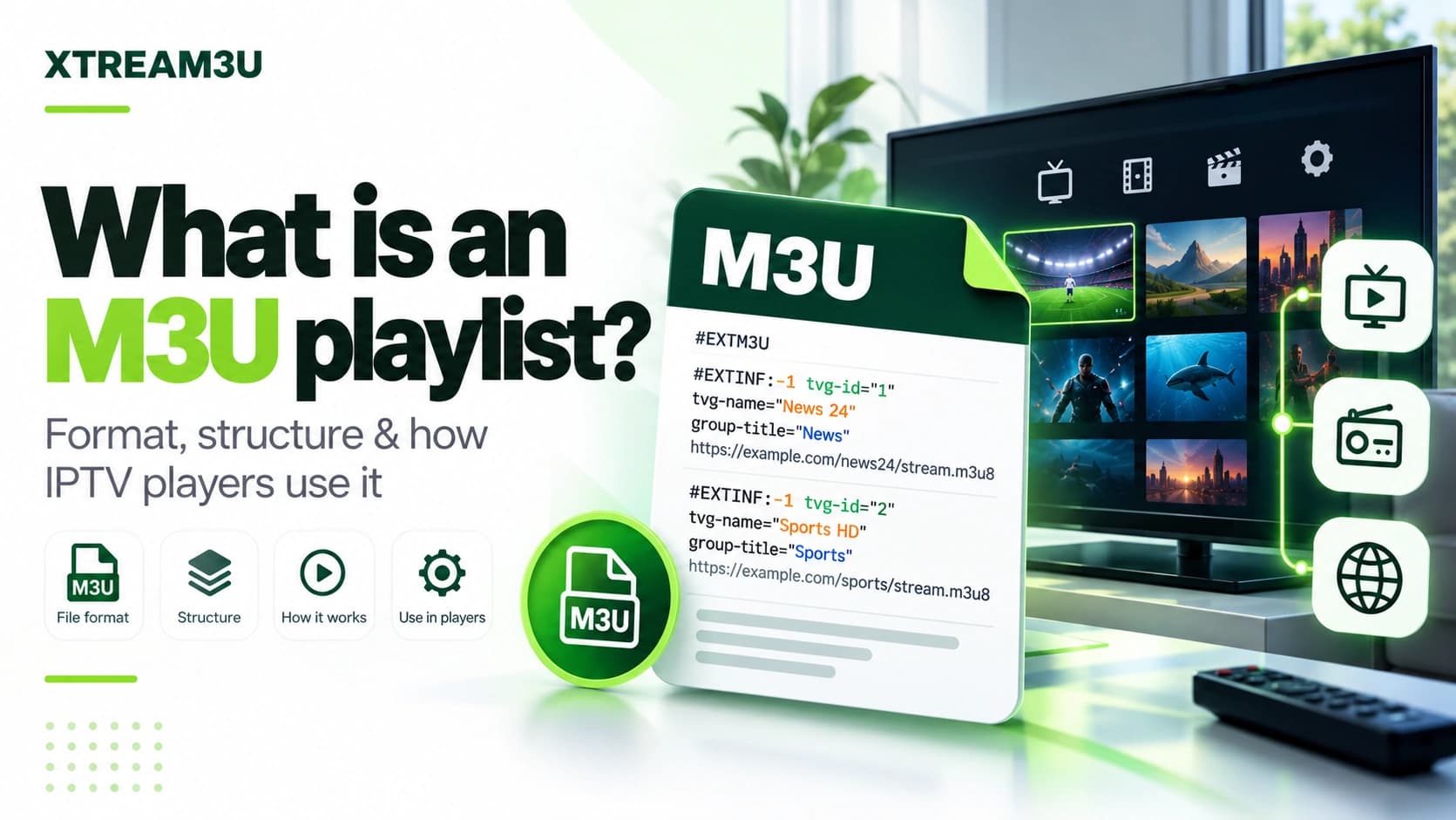
Definition: M3U is a plain-text playlist pointer
Documented fact: M3U is a plain-text playlist format. An M3U file does not contain video itself: it contains an ordered list of entries, and each entry points to a media location (usually an HTTP(S) stream URL) plus optional metadata such as a display name, group, logo, or EPG identifier. Players read the file, resolve each entry, and present the result as channels.
The name comes from “MP3 URL”, reflecting its origin as a Winamp-era audio playlist format. The video/IPTV ecosystem reuses the same container because it is simple, human-readable, and easy to generate. When someone says “M3U playlist” in an IPTV context, they almost always mean an extended M3U file whose lines start with #EXTM3U and #EXTINF records.
XTREAM3U test principle: if a URL returns HTML instead of text starting with #EXTM3U, the problem is the URL response, not the player. Inspect the response before changing players or settings.
Documented roots: where the format comes from
Documented fact: the HTTP Live Streaming specification (RFC 8216) states explicitly that its playlist file format is derived from M3U and inherits two tags from it: EXTM3U and EXTINF. In other words, the channel-list M3U used in IPTV and the streaming playlists used by HLS share the same ancestor and the same two foundational tags, one reason the two are so often confused.
Documented fact (RFC 8216, §4.1): playlists in this family must be UTF-8 encoded, must not contain a byte-order mark, and clients should fail to parse playlists that contain a BOM or do not parse as UTF-8. This is the authoritative reason behind the “save as UTF-8 without BOM” advice in every troubleshooting guide: it is not folklore, it is written into the format's descendant specification. The same section requires lines to be terminated by LF or CR+LF, forbids stray whitespace, and defines that lines starting with # are comments or tags while every other line is a URI.
Documented fact (RFC 8216, §4): a playlist file is identified either by its path ending in .m3u8 or .m3u, or by HTTP Content-Type application/vnd.apple.mpegurl or audio/mpegurl, and clients should refuse to parse playlists not so identified. Practically, this means a server that serves a playlist with a generic text/html content type is already signaling trouble, which is exactly what the IPTV test checks when it reports the response content type alongside the status code.
Analysis: none of this makes RFC 8216 a specification for IPTV channel lists. It specifies HLS segment playlists. But because the syntax, header, encoding rules, and URI-line model are shared, its strictness explains why some players reject files that look “fine” in a text editor: the strict players are enforcing rules the format family has documented for years.
Anatomy of an extended M3U file
A minimal valid file has three kinds of lines: a header, EXTINF records, and stream URLs.
#EXTM3U
#EXTINF:-1 tvg-id="cnn.us" tvg-logo="https://example.com/cnn.png" group-title="News",CNN Example
https://example.com/streams/cnn.m3u8
#EXTINF:-1 group-title="Sports",Example Sports 1
https://example.com/streams/sports1.m3u8
| Line | Purpose | What breaks if wrong |
|---|---|---|
| #EXTM3U | Required header declaring extended M3U | Players may refuse to parse; validators flag it first |
| #EXTINF:-1 … ,Name | Duration (-1 = live/unknown) + attributes + display name after the comma | Missing name → “Untitled”; malformed attributes → lost grouping/logos |
| https://… | The actual stream location the player opens | Dead URL → channel listed but unplayable; HTML here → wrong resource |
Common attributes are tvg-id (EPG matching key), tvg-logo (artwork URL), and group-title (category used for grouping). None of these are standardized by a single authority in the IPTV context. Treat them as conventions players agree on, not guarantees. The one exception with specification weight is the encoding and header behavior documented above: those rules come from the format family itself, not from any single player vendor.
Documented (encyclopedic record): wider directive sets exist beyond the three core line types. IPTV-oriented files may carry #EXTGRP (named grouping), #PLAYLIST (display title), and player-specific tags such as #EXTVLCOPT (VLC options). Treat unknown directives as inert comments unless your player documents them: parseable files routinely contain tags most players ignore.
Variants you will actually encounter
Three variants cover nearly everything labeled “M3U” in the wild:
- Standard extended M3U (.m3u): direct stream URLs, one per EXTINF. Most portable. Works in VLC, TiviMate, OTT Navigator, IPTV Smarters, and generic players. When a guide says “paste your M3U URL”, this is what it means.
- M3U8 (UTF-8 M3U): identical structure, explicitly UTF-8 encoded so non-ASCII channel names (accents, Arabic, Cyrillic, CJK) survive. If channel names show as mojibake, re-save or re-serve the file as UTF-8.
- HLS playlist (.m3u8 as stream, not channel list): the same extension is also used for HTTP Live Streaming chunk lists. A single-channel HLS URL and a multi-channel M3U channel list look similar at a glance but behave differently: the HLS playlist describes segments of one stream, while the channel-list M3U describes many streams. Players distinguish them by context, which is why pasting a single HLS URL where a channel list is expected yields “one channel” or “empty”.
Companion symptom worth naming: an import that fails with “no items found” (or an empty result) usually means the app received a single-stream URL instead of the channel-list URL. The fix is at the input, not the file. Paste the list URL, not the stream URL.
Analysis: most “M3U vs M3U8” confusion is encoding confusion, not format rivalry. If names render correctly, the distinction rarely matters for playback.
What players actually do with an M3U
Understanding the pipeline explains most failures. A typical player performs these steps in order:
- Fetch the playlist URL over HTTP(S) and check the status code and content type.
- Verify the text starts with
#EXTM3U; reject or warn on HTML/JSON. - Parse EXTINF + URL pairs into channel objects, grouping by
group-title. - Optionally fetch the EPG/XMLTV URL and join guide data on
tvg-id. - When you press play, open that channel's stream URL separately. Playlist success does not imply stream success.
This is why XTREAM3U tools separate playlist checks (is the list reachable and parseable?) from stream checks (does this channel's URL deliver segments?). A playlist can be 100% valid while half its streams are offline, especially in public collections that change frequently.
Player support at a glance: VLC opens M3U directly but is not an Xtream client. Most TV-oriented apps (TiviMate, OTT Navigator, IPTV Smarters class) accept both M3U URLs and Xtream logins, with exact menu labels varying by version. Anything beyond that pairing should be verified in the installed app, not assumed from reviews. The per-device consequences live in the player hub.
Reading a validator report, line by line
Paste any failing playlist into the M3U validator and you get three numbers (header, entries, errors) plus an error list. Here is how to read each outcome, with the fix that follows from it:
- “Missing #EXTM3U header on line 1.” The file does not declare itself as extended M3U. Either the URL returned the wrong resource (go back to Step 1 of the diagnosis order), or the file genuinely lacks the header. Open it in a plain-text editor, ensure the very first characters are
#EXTM3U, and re-save as UTF-8 without BOM. - “EXTINF without a following stream URL.” Two EXTINF records in a row, or an EXTINF at the end of the file. The channel before the gap has no playable location. Delete the orphaned record or restore its URL; players typically skip it, so one orphan rarely breaks a whole import, but twenty of them mean the source export is corrupt.
- “Bare URL without a preceding #EXTINF record.” A stream location with no metadata. Most players import it as an “Untitled” entry. Harmless in small numbers, but a file full of bare URLs lost its metadata somewhere upstream. Re-export from the source rather than hand-labeling hundreds of lines.
- “Stream URL looks malformed.” The URL line is not a recognizable stream scheme. Common causes: truncated lines from copy-paste, HTML entities leaked into the file, or whitespace inside the URL. Compare against the source file rather than repairing by guesswork.
- Zero errors but zero entries. A valid header with no content: an effectively empty list. The format is fine; the source published nothing usable. Get a fresh export or a different variant/region file.
XTREAM3U test note: validation runs entirely in your browser. Pasted content is never uploaded. That is a deliberate privacy property, not a limitation: syntax checking needs no server.
How tvg-id connects a playlist to guide data
Documented fact: community EPG tooling matches guide data to channels through XMLTV identifiers. The iptv-org EPG project, for example, structures its scrapers around per-site channel records carrying an xmltv_id, and its documentation describes building custom channel lists that pair site identifiers with those XMLTV IDs. The mechanism is the same one your player performs: it reads each entry's tvg-id, looks it up in the XMLTV file's channel records, and attaches matching programmes.
Practical consequences of that mechanism:
- An entry with no
tvg-idcan never receive automatic guide data, no matter how good the EPG file is. - “No information” on every channel usually means the IDs don't align between your playlist and your EPG source. A matching problem, not a download problem. Verify with the EPG test that the guide itself is healthy before remapping anything.
- Public lists and public guides drift out of alignment over time as channels are renamed. Re-sync by updating both files from the same period, not by editing IDs one by one.
How to create and edit one safely
- Start from a known-good file; never hand-type dozens of URLs from scratch.
- Keep the first line exactly
#EXTM3Uwith no leading spaces or BOM issues. - Keep each EXTINF immediately above its URL. Blank lines and reordering are the most common manual errors.
- Use UTF-8 encoding when names contain non-ASCII characters.
- Validate with the M3U validator before importing into a player.
- Edit names/groups with the M3U editor rather than a rich-text editor that may inject smart quotes.
A minimal hand-built file is legitimate for learning the shape (not for daily viewing — real stream URLs are the hard part, not the syntax):
#EXTM3U
#EXTINF:-1 group-title="Demo",Demo Channel One
https://example.com/streams/one.m3u8
#EXTINF:-1 group-title="Demo",Demo Channel Two
https://example.com/streams/two.m3u8
Save as UTF-8 without BOM with an .m3u extension, validate it, and observe two entries appear. Everything beyond this is scale and metadata, not new concepts.
Do not republish third-party lists as your own without checking the source's terms. Organizing a public list for personal use and redistributing it publicly are different acts with different implications. The iptv-org collection, for instance, states in its own legal section that it stores no video files and only user-submitted links. Redistribution expectations live with each source, so read them there.
How to test an M3U URL in 60 seconds
- Paste the URL into the IPTV test and run it.
- Confirm HTTP 200. Anything else (401/403/404/500) is an access or hosting issue. Stop and fix the URL.
- Confirm the header check passes. HTML here means a login page, expired share, or wrong link.
- Confirm entry count is non-zero. Zero entries with a valid header means an effectively empty list.
- Only then open it in a player. If the player shows nothing while the test parses fine, clear the player's playlist cache and re-import.
Common mistakes and edge cases
- Pasting a webpage URL instead of the file URL: GitHub repo pages, preview pages, and shortened links often return HTML. Use the raw file URL.
- Expired tokens in URLs: some providers embed time-limited tokens in query strings. The list works once, then fails everywhere. Re-export a fresh URL.
- Mixed line endings: files edited across Windows/macOS tools can mix CRLF/LF. Most parsers tolerate this, but trailing whitespace after URLs breaks some strict players, so trim lines.
- BOM at file start: a byte-order mark before
#EXTM3Umakes the header check fail on strict parsers. Save as “UTF-8 without BOM”. - Duplicate display names: legal in the format, confusing in the UI. Rename or group to disambiguate.
- Relative URLs: valid when the playlist and streams share a host, broken when the file is moved. Prefer absolute http(s) URLs for portable lists.
FAQ
Is M3U a video format? No. It is a text pointer format. The video arrives via the stream URLs it lists.
Do I need Xtream for M3U? No. M3U works standalone in any compatible player. Xtream is a separate access method; see M3U vs Xtream.
Why does VLC play my M3U but my TV app shows nothing? Usually caching, an HTML-instead-of-M3U response on the TV's network, or a strict parser rejecting a BOM/missing header. Run the validator and re-import fresh.
Sources and further reading
- RFC 8216 — HTTP Live Streaming: documents the M3U-derived playlist syntax (EXTM3U/EXTINF inheritance, UTF-8 without BOM, .m3u/.m3u8 identification). Verified October 2026.
- iptv-org/iptv repository: public M3U collection used as this site's directory source; documents the main index playlist, per-country/category files, and its legal position. Verified October 2026.
- iptv-org/epg repository: community XMLTV tooling; documents xmltv_id-based channel matching and scheduled guide generation. Verified October 2026.
Methodology note: format statements above describe documented M3U behavior as implemented by common players and XTREAM3U's parser. Playlist-specific claims (counts, availability) are never asserted without a timestamped check.