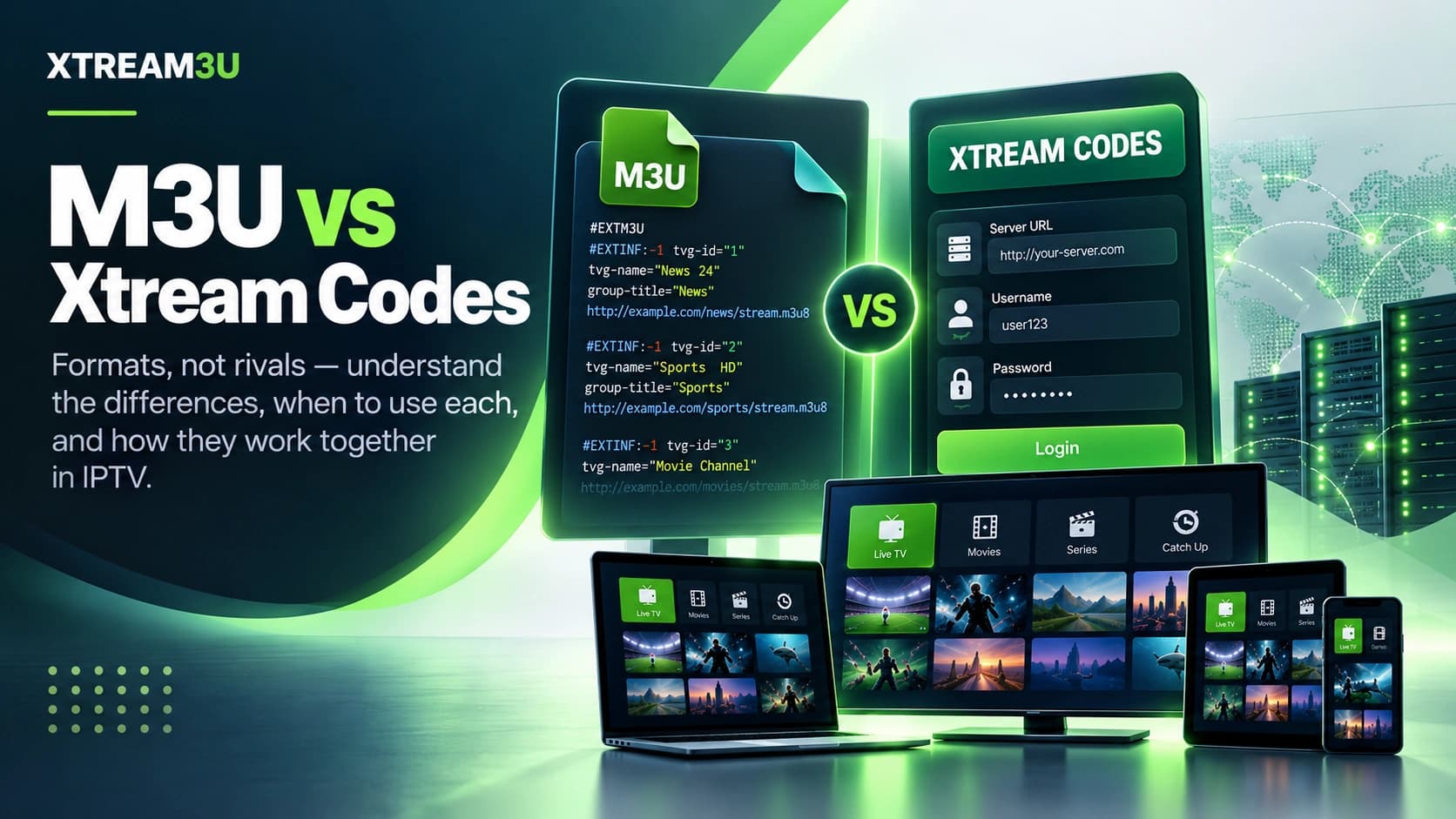
File vs login
M3U is a file: a text document listing stream URLs. Xtream is a login: a host + username + password that a player queries over an API. They deliver the same end result (channels in a player) through opposite means: one is a static document you inspect, the other is live access you authenticate to.
Neither is universally “better”. The right choice depends on what your provider gave you and what you need to do: hand-edit entries (M3U wins) versus server-managed categories and VOD (Xtream is smoother). The decision scenarios below turn that sentence into a choice you can act on.
Side-by-side comparison
| Dimension | M3U | Xtream |
|---|---|---|
| What you receive | A URL to a text file | Host + username + password |
| Inspection | Open in any text editor; validate locally | Structured payloads via API; needs diagnostics |
| Editing | Rename/regroup/reorder freely | Server-controlled; client edits don't stick |
| EPG | Separate XMLTV URL matched on tvg-id | Via API or companion XMLTV |
| Failure entry point | Check file response + syntax first | Check host, then auth, then categories |
| Sharing risk | Token-bearing URLs leak access | Passwords leak access. Never post |
| Portability | File works in any compatible player | Tied to the account and panel |
| Best for | Custom lists, local edits, VLC-style players | Provider-managed bouquets, VOD/series |
Criteria note (analysis): this comparison evaluates formats on inspectability, editability, failure modes, and player compatibility, not on content catalogs, which XTREAM3U does not verify for third parties.
How to tell which one you have
- Ends in .m3u / .m3u8 and opens as text? M3U. Paste it into the validator to confirm the header.
- Three fields (server, user, pass)? Xtream. Run the Xtream test for an auth verdict.
- Single URL that downloads structured data with account info? That is the Xtream player API endpoint, not an M3U, so don't feed it to an M3U-only importer.
- Provider dashboard shows both? Prefer Xtream in apps with good EPG/category support; prefer M3U when you need local editing or maximum player compatibility.
Decision scenarios: which fits your situation
Rather than a generic winner, match the format to the job:
- “I curate my own channel list.” Choose M3U. Renaming, regrouping, reordering, and trimming thousand-channel public lists into a personal bouquet are file operations. The M3U editor does them locally in minutes. Xtream gives you the provider's categories as-is; your edits won't persist.
- “I want TV, movies, and series with artwork and resume.” Choose Xtream where offered. The panel serves VOD/series metadata trees that players render natively, while an M3U exposes the same content as flat entries you must organize yourself.
- “I switch players often / test many apps.” Choose M3U. One URL pastes into virtually every player for an apples-to-apples comparison (see M3U players), whereas Xtream setup varies more by app and exposes credentials on each trial.
- “My household shares one subscription.” Check connection limits first. The format matters less than the slot count. Xtream panels typically surface active-connection status, making the limit visible; with M3U the same limit exists but fails more cryptically. Either way, confirm the allowed simultaneous devices before distributing access.
EPG depth: where the two diverge most
Documented mechanism: M3U guide data comes from a separate XMLTV file joined on tvg-id. Community tooling like the iptv-org EPG project is literally built around that identifier matching. Xtream guide data arrives through the panel API (short window) plus an optional companion XMLTV file (long window). Consequences:
- With M3U, guide quality is fully in your hands: pick the XMLTV source whose IDs align with your list, verify it with the EPG test, and “no information” becomes rare.
- With Xtream, the in-app guide works out of the box but its depth is the provider's choice; attaching the companion XMLTV URL is the upgrade path when the built-in window is thin.
- When switching formats on the same subscription, expect the guide to look different even with identical channels. Different matching pipelines, not missing data.
Security contrast: tokens vs passwords
Both formats carry shareable secrets of different kinds but the same discipline:
- M3U token URLs look innocent because they're “just links”. They are bearer credentials: anyone holding the URL holds your access, and URLs leak through history, screenshots, and help requests. Never post them to ask for support. Describe the validator output instead.
- Xtream passwords are obviously secret, which paradoxically makes them safer, because people guard them. The risk moves to endpoint screenshots: a photo of your setup screen showing host + user + pass is a full credential leak. Rotate immediately if exposed.
- XTREAM3U's tooling reflects this split: the M3U viewer partially masks query tokens, the Xtream test clears the password field after every run and never logs credentials. Prefer tools with these properties wherever you test.
Player support, factually
Most established players support both: TiviMate, OTT Navigator, and IPTV Smarters all accept M3U URLs and Xtream logins (exact menu labels differ by version, so check the player's current docs for the precise import path). VLC opens M3U directly but is not an Xtream client. When a player “supports playlists”, verify which input methods the installed version offers rather than assuming.
See factual device/format matrices: M3U players, player hub, and the TiviMate vs OTT Navigator comparison.
Switching between them: checklists
Xtream → M3U: many providers expose an M3U URL for the same account.
- Ask the provider for (or locate in the dashboard) the account's M3U URL. Use the official one; scraped API-to-M3U conversions break silently on panel updates.
- Run it through the IPTV test, then import into the player as a new playlist (keep the Xtream login until the M3U proves itself).
- Re-attach EPG via XMLTV, since the panel-provided guide no longer applies; expect to re-map favorites.
M3U → Xtream: not convertible locally. Xtream requires server-side account provisioning.
- There is no client-side “converter”: any tool claiming one either scrapes (fragile) or harvests credentials (dangerous). Get credentials from the provider.
- Verify with the Xtream test before reconfiguring players.
- Keep the M3U as a portable backup and Xtream as the daily driver, or vice versa, but store credentials separately and securely.
Troubleshooting by type
M3U path: URL response → header → entries → player cache. Full flow in M3U not working.
Xtream path: host reachability → auth → categories → streams. “Login works but channels don't load” means stages 1–2 passed and the fault is downstream (empty categories, expired line, connection slots, or delivery). The full tree is in What is Xtream Codes.
The takeaway
Use M3U when you edit; use Xtream when the provider manages.
Curators, testers, and multi-player households get more from the inspectable file. VOD-heavy viewers who accept the provider's bouquets get a smoother ride from the login. When the provider issues both, keep both (portable backup plus managed daily driver) and let the EPG source match whichever input is active.
Documented illustration of the difference: the public iptv-org/api project serves the same underlying channel data two ways: as flat M3U text files and as structured JSON endpoints (channels, streams with quality and availability labels, guides). That duality is the whole comparison in miniature: identical content, document model versus API model, each with the trade-offs described above. Keeping both inputs configured costs little (one extra playlist slot and one login profile) and pays off the first time either side has a bad day.
Sources and further reading
- RFC 8216 — HTTP Live Streaming: the M3U-derived syntax both formats' players ultimately resolve to. Verified October 2026.
- iptv-org/epg repository: XMLTV identifier-matching mechanics behind M3U guide data. Verified October 2026.
- What is an M3U playlist? and What is Xtream Codes?: the two definitions this comparison builds on.