Definition: Xtream is a login, not a file
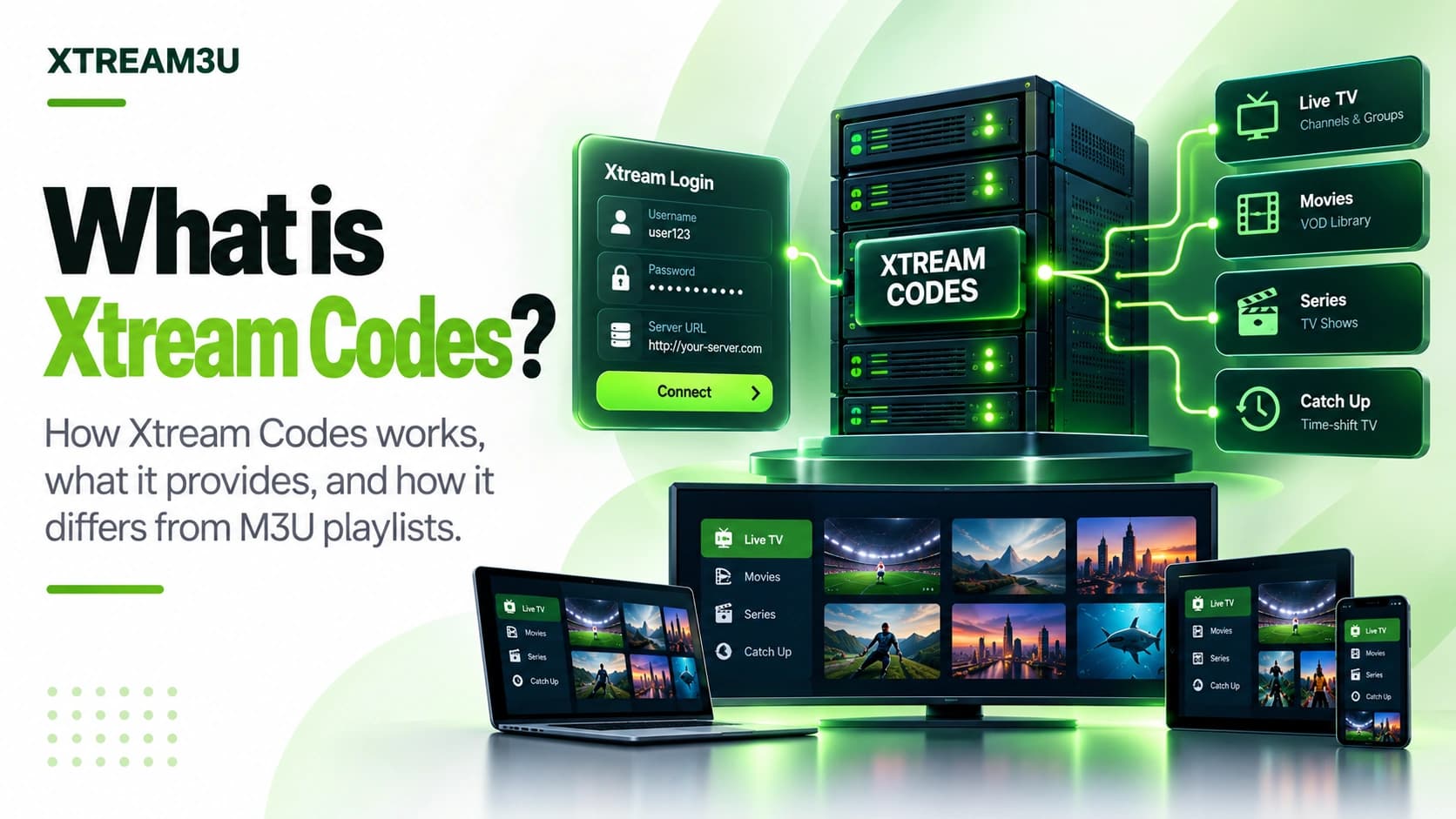
Documented fact: in the IPTV player ecosystem, “Xtream” or “Xtream Codes” access means a credential triplet: a host/portal URL, a username, and a password. The player contacts the host's player API, authenticates, and receives structured channel, VOD, and EPG data rather than parsing a static M3U text file you supply.
The name derives from Xtream Codes, a historical panel software family whose API convention became a de-facto standard cloned by many panels. Today “Xtream login” describes the API pattern, not any single vendor, which is why setup screens across different providers and players ask for the same three fields.
Key distinction: an M3U URL is a document you can download and inspect. An Xtream login is access to a live API. You cannot “view source” on it the same way, and every diagnosis starts with authentication rather than file syntax. The full contrast lives in M3U vs Xtream.
The three parts, precisely
| Part | Example shape | Failure mode |
|---|---|---|
| Host / portal | http://example.com:8080 | Wrong port, http/https mismatch, or dead host → nothing else matters |
| Username | Case-sensitive account string | Trailing spaces from copy-paste are the #1 silent failure |
| Password | Case-sensitive secret | Expired/rotated credentials return auth failures, not network errors |
Providers sometimes bundle these as a single “Xtream URL” or QR code. Underneath it is still the same triplet. When support asks for “your Xtream details”, they need all three. A username alone is unactionable. And when a form offers both an M3U field and an Xtream section, the credentials go in the Xtream section only; pasting a username into a playlist-URL box is one of the most reported setup mistakes (user reports, corroborated by support-forum patterns).
What happens during login
- The player builds a request to the host's player API with your username and password.
- The server checks the credentials and returns account status: active or not, plus expiry, connection limits, and allowed outputs.
- The player then requests category and stream lists (live, VOD, series) as structured data.
- Selecting a channel resolves to a stream URL the server generates for your session.
- EPG data arrives through the same API or a companion XMLTV endpoint, matched by stream identifiers.
Analysis: this is why “login works but channels don't load” is a distinct symptom from “login fails”. Authentication and content delivery are separate stages with separate causes: expiry and connection limits cause the first; empty categories, DNS/geo delivery issues, or expired lines cause the second. The next section turns that observation into a procedure.
Player-API anatomy: what the app actually requests
Documented convention (de-facto, panel-cloned): Xtream-compatible panels expose a player endpoint (conventionally player_api.php at the host root) that accepts the username and password as request parameters and answers with account data in a structured payload. A typical authentication exchange looks like this in shape (example values, not a real server):
GET /player_api.php?username=EXAMPLEUSER&password=EXAMPLEPASS

{
  "user_info": {
    "auth": 1,
    "status": "Active",
    "exp_date": "1798765432",
    "max_connections": "2",
    "allowed_output_formats": ["m3u8", "ts"]
  }
}
After authentication, the player issues further calls in the same style for each content tree:
- Live categories and streams: bouquets first, then the channels inside each one. An account whose categories return empty while auth succeeds is the classic “logged in, nothing loads” case.
- VOD and series listings: separate trees with their own metadata (titles, artwork, episode maps). Players with weak series layouts show these poorly even when the data is fine.
- Stream resolution: opening a channel asks the panel for a session-specific playback URL rather than reusing a fixed link. This is why Xtream stream URLs can't be meaningfully bookmarked or shared the way static M3U URLs can.
- Guide data: short EPG through the API, longer guides through a companion XMLTV file. When the built-in guide is thin, attaching the XMLTV URL (see how to use an M3U playlist step 4, same principle) fills the gaps.
Honest caveat (documented gap): there is no single authoritative public specification for this API. The original panel software is defunct and each clone varies in details. Field names and behaviors above describe the widely cloned convention as observed across providers and players (documented convention + XTREAM3U analysis); your provider's exact payload may differ. That variance is itself the reason to test rather than assume, which is what the Xtream test exists for.
Diagnostic: login works but channels don't load
This is the most reported Xtream symptom after outright login failure, and it has its own decision tree because stages 1–2 (host, auth) have already passed. Work through it in order:
- Check expiry and status first. An expired or deactivated line often still “logs in” at the HTTP level but serves empty content trees. If the account shows expired, stop. No player setting revives it; renewal happens provider-side.
- Check connection slots. A line allowing two simultaneous connections plays on two devices and fails on the third with no clear error. Close other devices, wait a few minutes for server slots to release, and retry on one device only. Rapid retrying can extend the lockout.
- Check whether categories are empty or streams fail. Empty categories point at the account/content side (expired line, unassigned bouquets). Categories that list fine while playback fails point at delivery (DNS, blocked stream hosts, or weak bandwidth). Test one channel on a different network, e.g. mobile data, to separate local-network blocks from server problems.
- Check output format. If the account allows several output formats, try switching (e.g. between the offered container options). Some device SoCs decode one container but choke on another.
- Re-add, don't just refresh. Remove the login from the player profile and enter it fresh, watching for trailing spaces in each field. Stale cached sessions are a real cause of phantom “nothing loads” states after provider-side changes.
How it differs from M3U in practice
- Inspection: M3U can be opened in a text editor; Xtream responses are structured payloads you only see via API tools or diagnostics.
- Editing: M3U names/groups can be edited locally; Xtream categories come from the server and cannot be fixed client-side.
- Sharing: M3U URLs can embed tokens (risky to share); Xtream credentials are passwords and must never be posted publicly.
- Caching: stale M3U imports linger in players; stale Xtream sessions linger as “too many connections” until the slot frees.
- Debugging entry point: M3U → check the file response first; Xtream → check host reachability, then auth, then categories.
Full side-by-side: M3U vs Xtream.
Setting it up without leaking credentials
- Confirm the exact host including port and http vs https. Providers vary, and guessing wastes hours.
- Enter credentials directly in the player; avoid screenshots, chat logs, or forum posts containing them.
- Use the Xtream test for a factual auth check before changing player settings. The password field clears after each run and nothing is stored.
- If login succeeds but categories are empty, check expiry and connection limits first. These present as “no channels”, not errors.
- On “too many connections”, close other devices and wait for the slot to release rather than retrying rapidly.
Security and privacy rules
- Never post host + username + password together in forums, chats, or comments.
- Never embed credentials in URLs you share. URLs leak through history, referrers, and screenshots.
- Rotate credentials if they were ever exposed; assume scraped the moment they appear publicly.
- XTREAM3U diagnostics never log, store, or display passwords; test responses report auth status only.
FAQ
Is Xtream a player? No. It is an access method. TiviMate, OTT Navigator, IPTV Smarters, and others can all consume Xtream logins. The login and the app are independent choices.
Can I convert Xtream to M3U? Many providers expose an M3U URL alongside Xtream access for the same account. If yours does, use the provided M3U URL rather than scraping the API. Scraping breaks when the panel changes.
Why does the same login work on one device but not another? Connection limits, clock skew affecting expiry, or per-device DNS/network differences. Check the account's active-connection count before reinstalling anything.
Sources and further reading
- Your provider's setup documentation for the exact host, port, and protocol of your line. Panels vary, and the provider's stated values outrank any generic guide.
- iptv-org/api repository: a documented, public example of playlist-adjacent data (channels, streams, guides) delivered as structured JSON over HTTP: the same architectural idea Xtream panels use, with per-stream metadata such as quality and availability labels. Verified October 2026.
- XTREAM3U Xtream test: timestamped auth diagnostics (host reachability, auth status) for endpoints you provide.
- M3U vs Xtream: the format-vs-login decision framework this guide builds on.
Evidence labels: API behavior described here reflects the widely cloned player-API convention and XTREAM3U's diagnostic observations (documented convention + analysis). Provider-specific limits and account states are user reports / provider-documented data, not XTREAM3U test results, unless a timestamped check is shown. No single authoritative public specification for the Xtream API is known to exist; that gap is stated plainly rather than papered over with a convenient link.