Players
IPTV players for Android TV
Leanback-friendly IPTV players for Android TV.
Published 2026-09-27 · Updated 2026-10-03 · By XTREAM3U Research
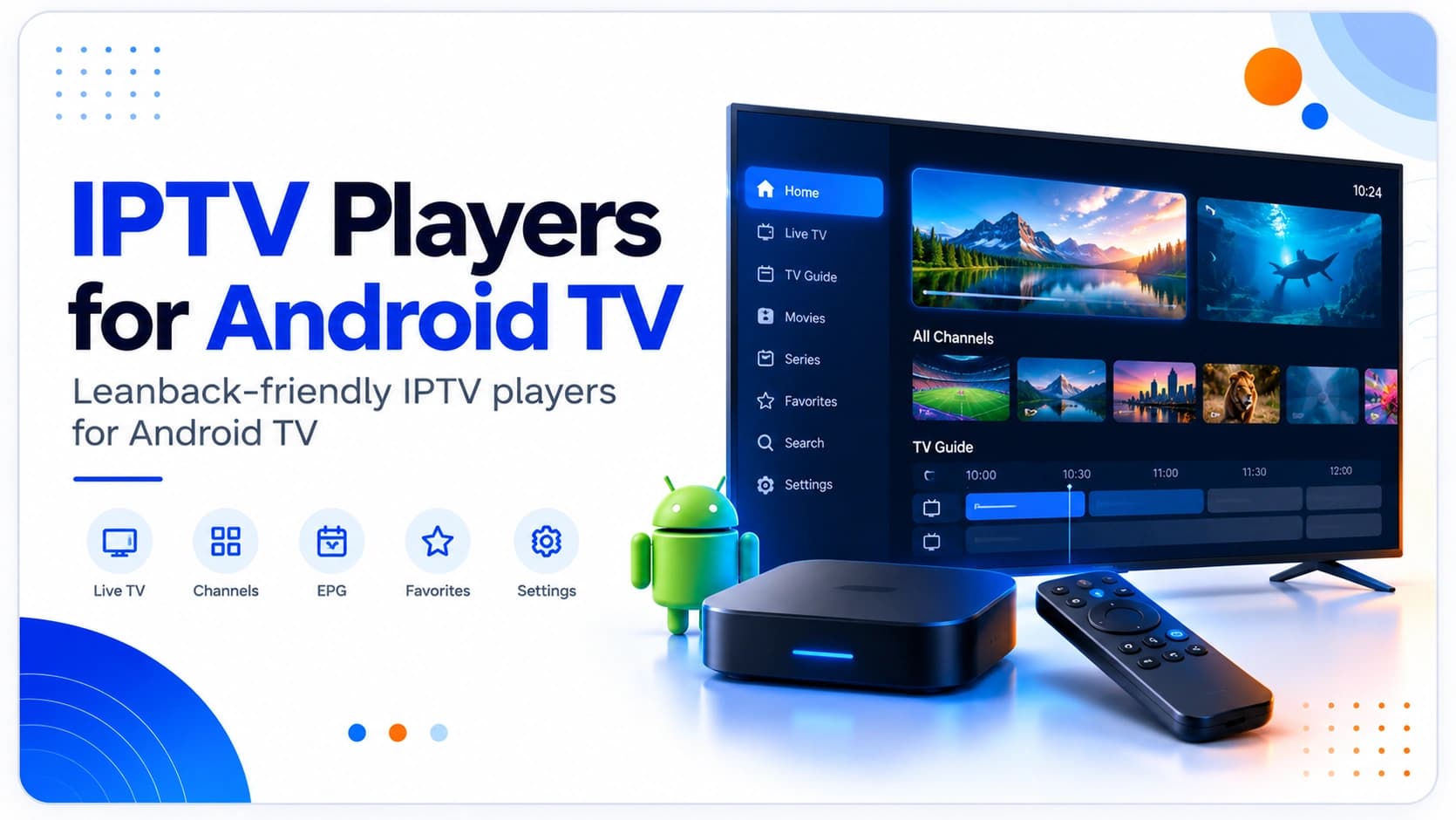
Leanback first, codecs second
Android TV shares app DNA with Firestick but adds its own variance: the Leanback launcher, OEM codec differences, and storage tiers from lean sticks to full consoles. The right player is a proper Leanback citizen that handles your formats, survives your SoC's codec gaps via external players if needed, and fits your storage. Judge on the TV with its remote. Never on a phone.
Android TV-specific criteria
- Leanback integration: home-screen rows, voice search behavior, and recommendations-row participation where offered. Apps that fight the launcher feel foreign within days.
- Codec coverage vs gaps: older and budget SoCs struggle with some HEVC, interlaced, or high-bitrate streams. An app with external-player handoff (VLC/MX-style) turns a hardware gap into a non-issue. Check for that setting before you need it.
- Storage tiers: lean boxes fill fast with EPG databases and artwork. Day-range controls and cache limits aren't nice-to-haves here; they're the difference between working and “storage full”.
- Remote variance: OEM remotes differ in buttons and CEC behavior. Remappable keys and tolerant focus handling matter more here than on standardized sticks.
- Update channels: Play Store versus sideloaded builds update differently; know which you installed so “update the app” advice actually applies.
Candidates on Android TV
- TiviMate: the enthusiast default. Deep guide customization and multi-playlist control, happiest on capable hardware with room for EPG data. Compared head-to-head in TiviMate vs OTT Navigator.
- OTT Navigator: faster to a working setup with practical presets; the household pick when the TV is shared and nobody wants a settings project.
- IPTV Smarters-style apps: strongest for VOD/series-heavy viewing and mixed-device homes (see the Smarters comparison).
Scope note (analysis): confirm current Play Store availability and edition on your specific device. OEM and regional variance is real.
Setup that respects the platform
- Validate sources off-TV first: IPTV test for the playlist, EPG test for the guide.
- Use a companion or phone-keyboard app for URL entry; Leanback keyboards punish long token URLs and trailing spaces break logins silently.
- Import playlist alone, confirm channels, then attach EPG. A bad XMLTV link stalls some importers and looks like a playlist failure.
- Configure the external player fallback early if your SoC is older; discovering the gap mid-match is avoidable.
- Build favorites and hide dead groups before handing the remote to the household.
External player fallback, configured before you need it
The single most underused Android TV capability is handing difficult streams to a dedicated external player. Configure it on day one, not mid-crisis:
- Install a reputable external player alongside your IPTV app and confirm it opens a test stream directly.
- In the IPTV app's playback settings, set the external player as fallback (per-channel where offered, global otherwise). Verify the handoff works with one known-difficult channel.
- Learn the failure signature that means “switch player, not playlist”: stuttering or codec errors on specific channels while others play fine. That pattern is decoding, not data, so no re-import will fix it.
- Revisit after major app updates; playback-setting locations drift and fallbacks occasionally reset to internal.
Analysis: households that configure the fallback proactively report codec issues as footnotes; households that discover the setting during a live event report them as disasters. Same hardware, different preparation.
Multi-user and guest handling
Shared Android TV boxes accumulate conflicting needs — kids, sports, background news. Structure beats willpower:
- Separate favorites per viewer inside the player where profiles aren't available. Ten channels each beats one 200-channel compromise list nobody navigates.
- Lock settings and purchases where the app offers PIN protection. Curious hands reordering bouquets or triggering paid unlocks is a household classic. Configure locks during setup, not after the incident.
- Guest mode thinking: for visitors, a tiny favorites list of general channels avoids exposing the full setup (and any provider-labeled entries you'd rather not explain).
- Document the working config (app, edition, playlist and EPG URLs, key settings) where any adult in the house can find it. The person who set it up won't always be home when it breaks.
Upkeep: storage and refresh discipline
- Cap EPG days to your browsing horizon; two-week guides for hundreds of channels are the classic storage killer on lean boxes.
- Schedule playlist refreshes daily for volatile public lists, weekly otherwise. And back off if you ever see 429 rate-limit responses.
- Keep source URLs recorded outside the app plus one fallback list from the directory.
- Photograph the working settings screens once. When an update resets preferences, a photo roll reference restores exact values in minutes. Memory of slider positions is unreliable, and household members will have opinions about what changed.
- Separate test and daily setups when experimenting. Trial new apps, EPG sources, or sibling lists on a secondary profile or device first; the main TV's working configuration stays untouched until the experiment proves itself worthy of promotion.
- Re-export provider URLs periodically; token-bearing links decay silently.
Limitations to accept
- OEM variance is unavoidable. Two “Android TV” boxes can differ in codecs, storage, and remote behavior. Advice (including this page) targets the platform, your box is the ground truth.
- No app fixes bad sources. Expired tokens and empty categories fail identically everywhere; arbitrate with the test tools.
- Version drift moves menus. Confirm import labels and settings paths in the installed build.
Recommendation
Leanback citizen, codec escape hatch, storage discipline.
Trial two finalists with identical validated sources on the actual TV, drive each with its remote for an evening, and keep the one the household stops noticing.
FAQ
Box, stick, or the TV's built-in Android? Dedicated boxes generally offer more storage and steadier updates than built-in TV Android, which OEMs orphan sooner. If the built-in experience degrades, a current stick or box is the standard fix.
Do I need a VPN for IPTV on Android TV? Only after isolating network-level blocking (same URL plays on mobile data, not on home broadband). A VPN fixes filtering. Never dead URLs, bad syntax, or expired lines.
Why do some channels stutter while others are perfect? Almost always codec or bitrate versus your SoC. Configure the external-player fallback above rather than re-tuning the playlist.
Box, stick, or console for IPTV? Any current device plays mainstream streams; buy storage and update longevity, not peak CPU. A mid-range box with room for EPG data outlasts a faster stick with a full disk.
Should the kids get their own box? If viewing tastes collide daily, a second inexpensive device with a filtered setup costs less than the household friction it replaces. And isolates experimental settings from the main TV.
How do I survive a major OS update? Re-verify imports, favorites, and playback settings the same evening: updates reset more than changelogs admit. Your recorded working config from the rollout plan turns this into fifteen minutes instead of a lost weekend.
Why does the same app look different on my TV versus my box? OEM skins, OS versions, and edition builds all shift layouts and settings locations. “The same app” is approximate across hardware. Evaluate and configure per device rather than assuming one walkthrough covers both screens.
Sources and further reading
- Each candidate's current Play Store listing and in-app docs for device coverage, editions, and current pricing.
- Best IPTV players: full criteria and the weekend testing protocol.
- Google TV: the launcher-forward sibling platform.
Evidence labels: platform guidance is Analysis from documented OS constraints and widely reported setup patterns. No pricing stated; none verifiable here.